SummaScan logoSummaScan

SummaScan

Documents don't read themselves. We do.

SummaScan is an AI PDF scanner and document assistant that turns paper and PDFs into searchable, actionable information. Scan or import, extract text with OCR, and upgrade to Pro when you need full AI.

Start scanning free. Unlock full AI when you need it.

No subscription required to start scanning.

App preview

Muted autoplay loop from the SummaScan app.

How it works

From document to usable output in three steps

  1. 1

    Scan

    Capture with your camera or import a file.

  2. 2

    Understand

    OCR turns the document into searchable, usable text.

  3. 3

    Ask or Create

    Free includes a few Ask AI uses. Full Summarize, extract, draft, and custom instructions are Pro.
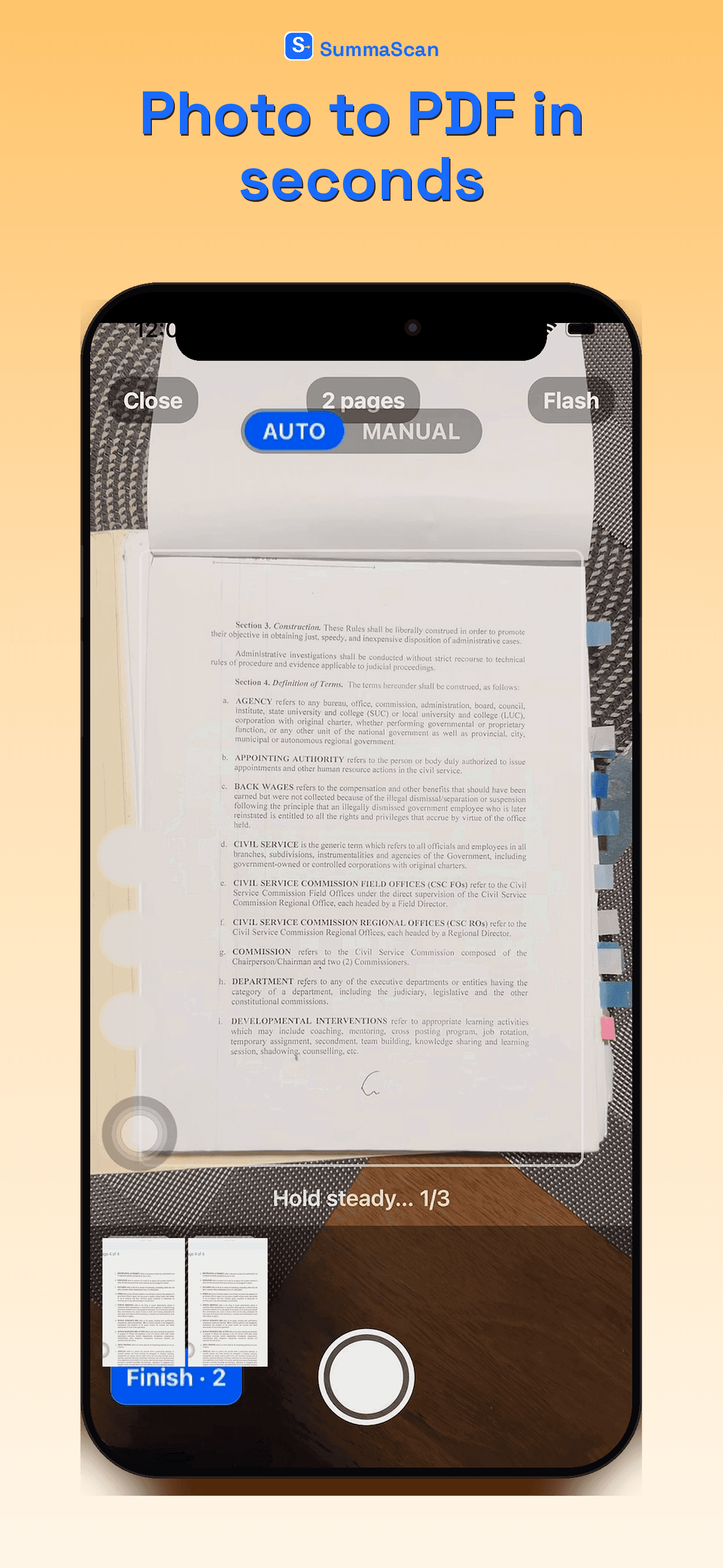
SummaScan Scan screen capturing a document with the camera

Scan

From the SummaScan app.

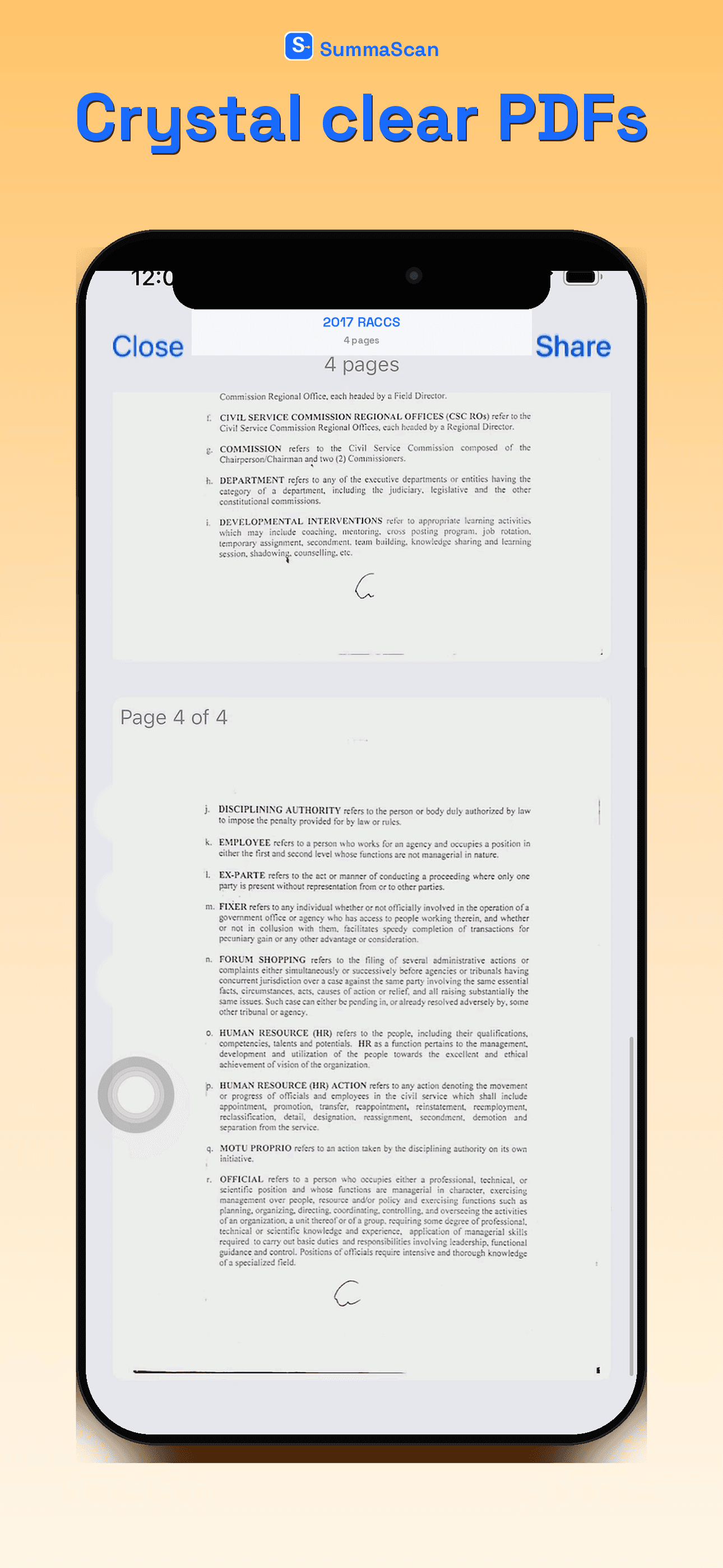
SummaScan PDF export of a scanned document

PDF export

From the SummaScan app.

Ask your document

The wow moment: ask your document direct questions

Example prompts:

  • “What are the important dates?”
  • “What are the termination requirements?”
  • “What payment terms are stated?”
  • “Summarize the agreement in five bullet points.”

Ask grounded questions about contracts, reports, and other documents you scan.
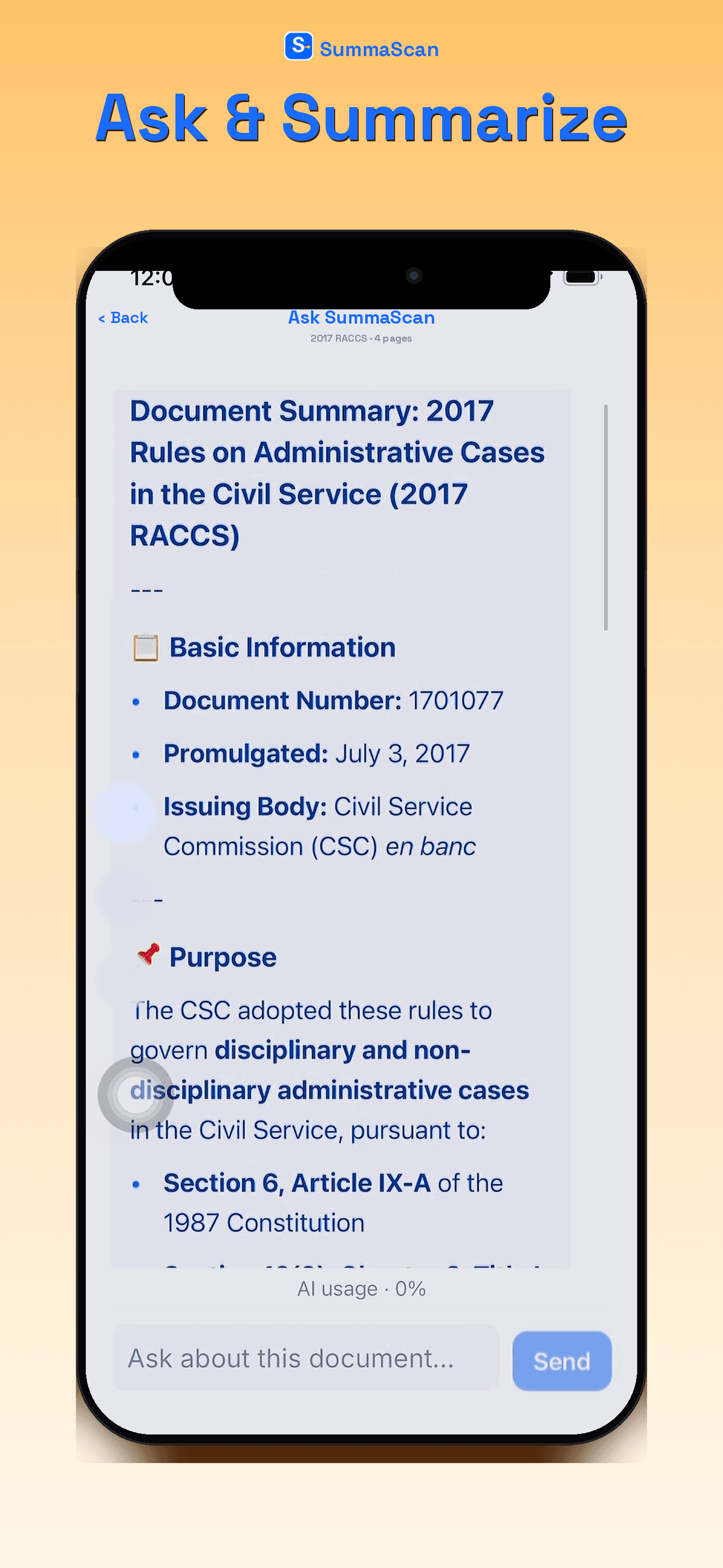
SummaScan Ask AI screen with a document question and grounded answer

Ask AI

From the SummaScan app.

Pro actions

Scanning is free. Full AI actions are Pro.

Free includes up to 3 Ask AI uses. Summarize, extract, draft, and custom instructions unlock with Pro.

Summarize

Get the important information without rereading the entire document.

Extract

Pull out the details you actually need from long pages.

Ask AI

Ask your document direct questions and get grounded answers.

Draft a Document

Turn source material into a strong starting draft.

Custom Instruction

Tell SummaScan exactly how you want the output structured.

Product screens

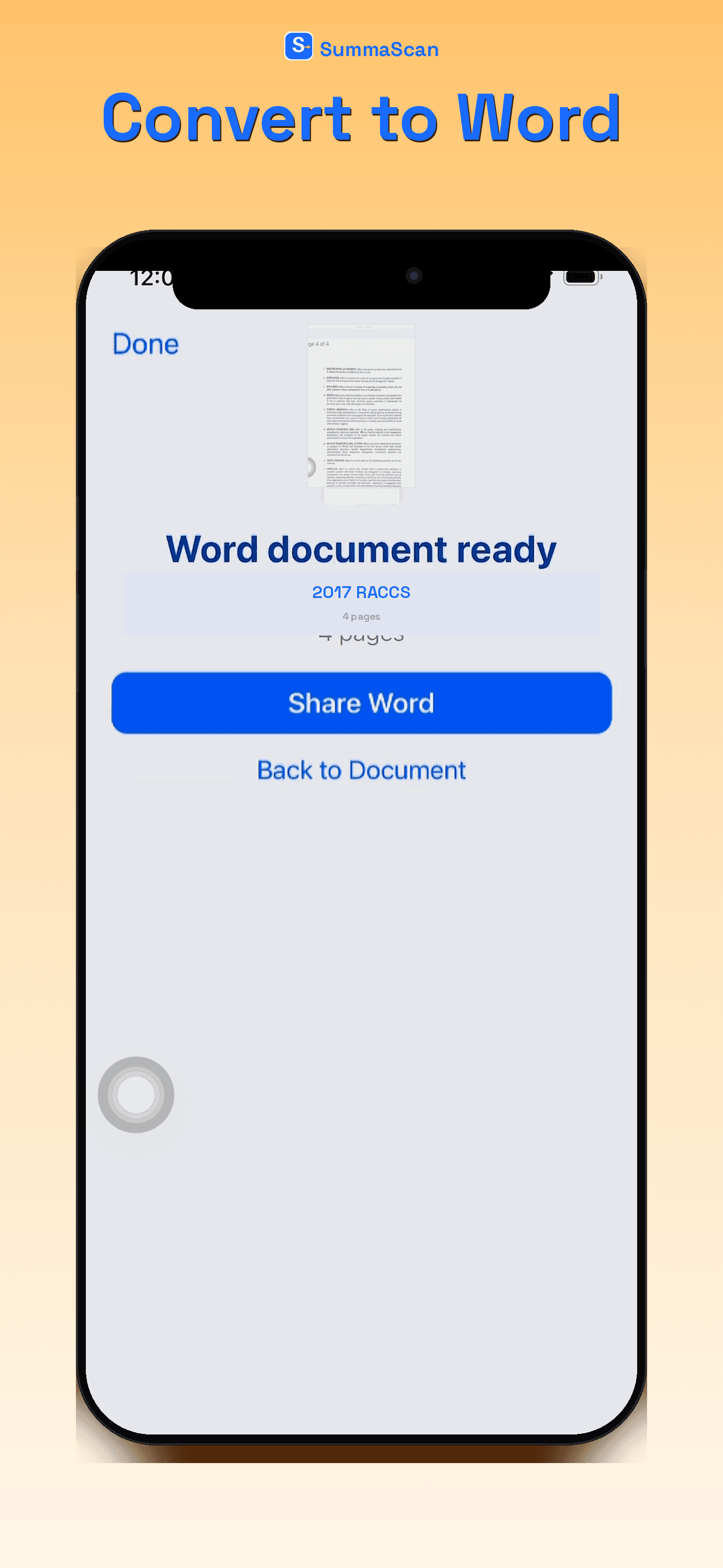
Word export, Sign, and Ask AI from the current app.
SummaScan Word export of a scanned document

Word export

From the SummaScan app.

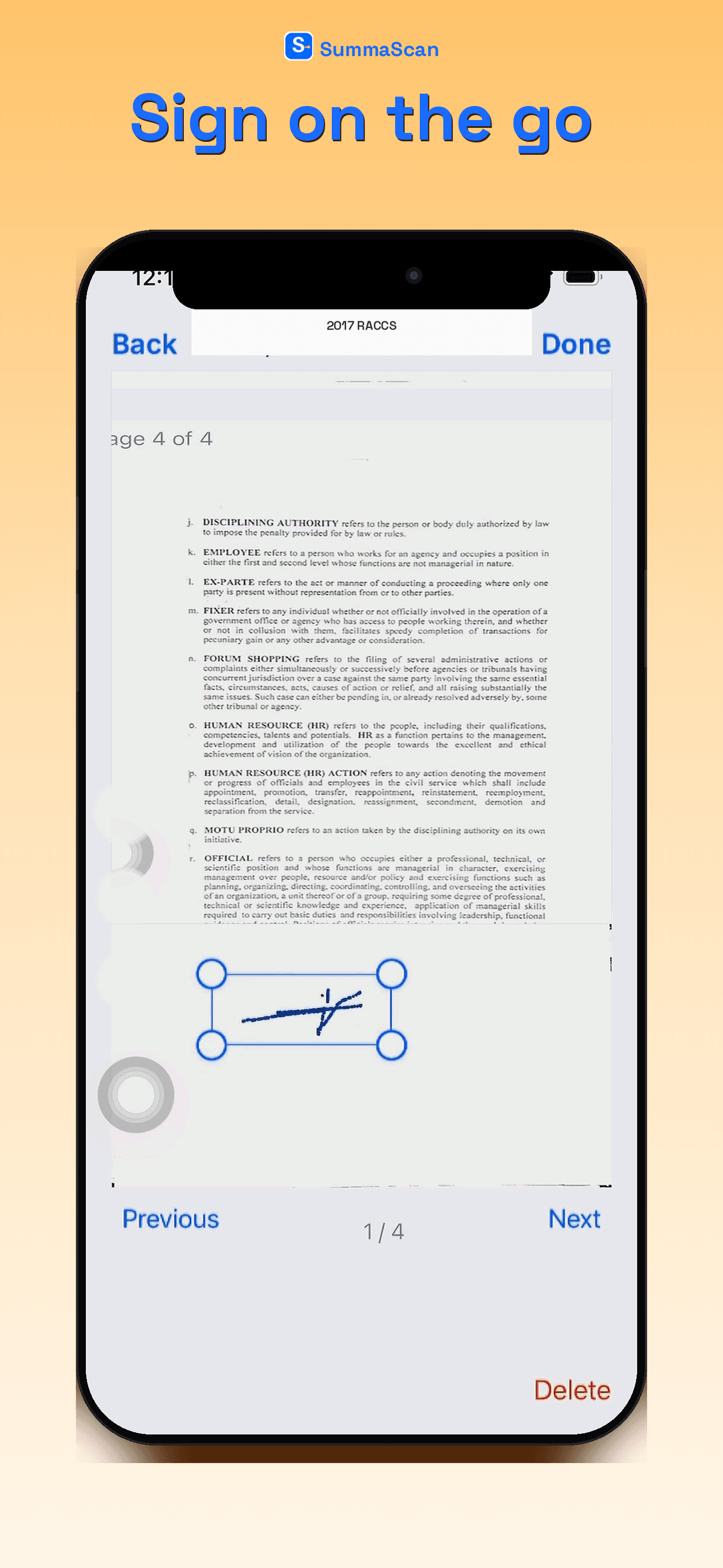
SummaScan Sign screen for adding a signature to a document

Sign

From the SummaScan app.

SummaScan Ask AI screen with a document question and grounded answer

Ask AI

From the SummaScan app.

Use cases

Built for people who live in documents

Legal

  • •What are the important dates?
  • •What are the key arguments?
  • •What evidence is mentioned?
  • •What are the material facts?

Work

  • •Summarize reports, forms, and contracts quickly
  • •Extract action items and key fields
  • •Create usable notes and first drafts

Study

  • •Turn long readings into clean summaries
  • •Ask questions about specific sections
  • •Review notes in a more usable format

SummaScan is a productivity tool. AI outputs are for reference and should be reviewed against source documents.

Free vs Pro

Choose what you need

Prices below are informational. SummaScan does not process payments on this website. Subscribe in the App Store or Google Play inside the app.

Free

$0

Start scanning at no cost.

  • •15 pages per week
  • •Scan / upload to clean PDF
  • •Export PDF, images, and text (watermark on Free exports)
  • •Sign documents
  • •Up to 3 Ask AI uses (then Pro)
Most popular

Pro

$0.99 for your first week

Then $2.99/week · Weekly via the App Store paywall. Local currency may differ.

Unlimited scanning with full AI.

  • •Unlimited pages / scans
  • •Full AI: Summarize, extract, Ask, draft / custom instructions
  • •No watermark
  • •Export PDF, Word/DOCX, images, text

FAQ

Common questions

Is SummaScan free?
Yes. Free includes 15 pages per week, scan / upload to clean PDF, export with watermark, document signing, and up to 3 Ask AI uses.
Do I need Pro to scan documents?
No. You can scan, upload, run OCR, export (with watermark), and sign documents on Free without subscribing.
What does Pro unlock?
Unlimited pages and scans, full AI (Summarize, extract, Ask, draft / custom instructions), no watermark, and export to PDF, Word/DOCX, images, and text.
What are the subscription options?
Pro is a weekly subscription: $0.99 for your first week, then $2.99/week. Billed through the App Store paywall. Prices on this site are informational; local currency may differ.
Can I cancel my subscription?
Yes. Subscriptions are managed in your App Store or Play Store account and can be canceled there.
Does SummaScan work with PDFs?
Yes. You can import PDFs and use OCR plus supported analysis and export flows in the app.

Start with Free. Upgrade when you're ready.

Coming soon on the App Store. This website does not process payments.

App Store · Coming soon